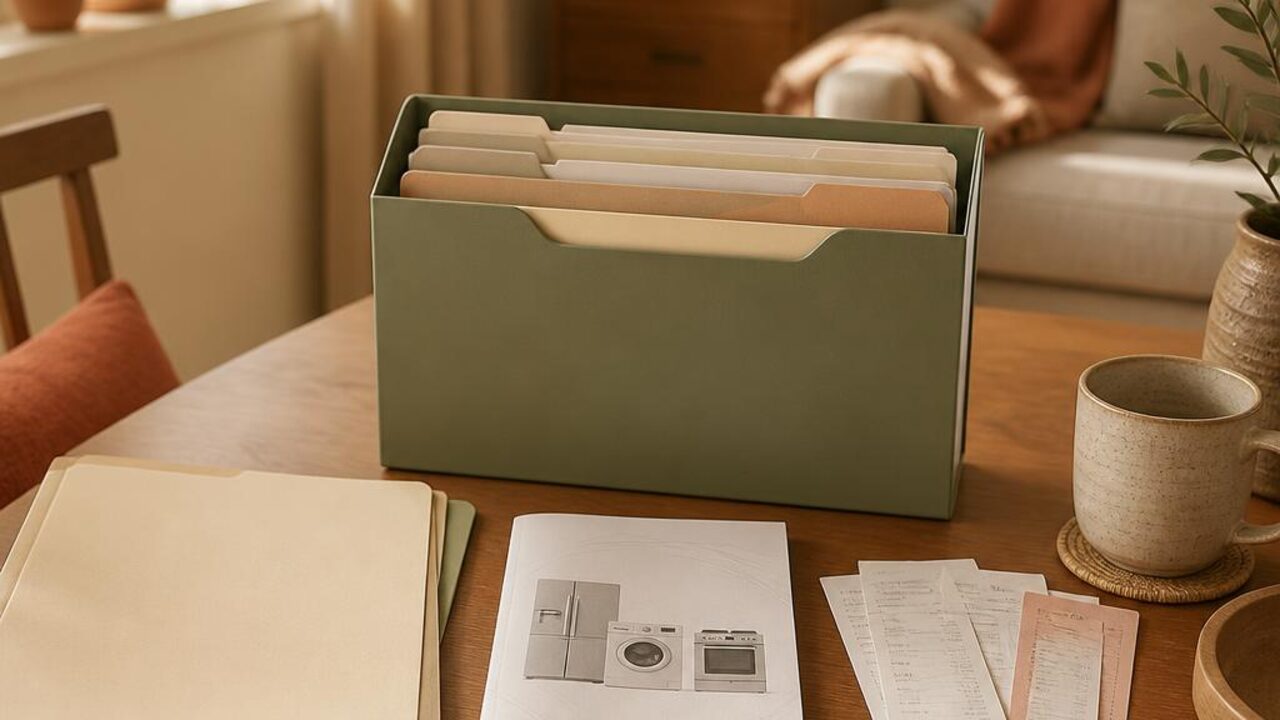
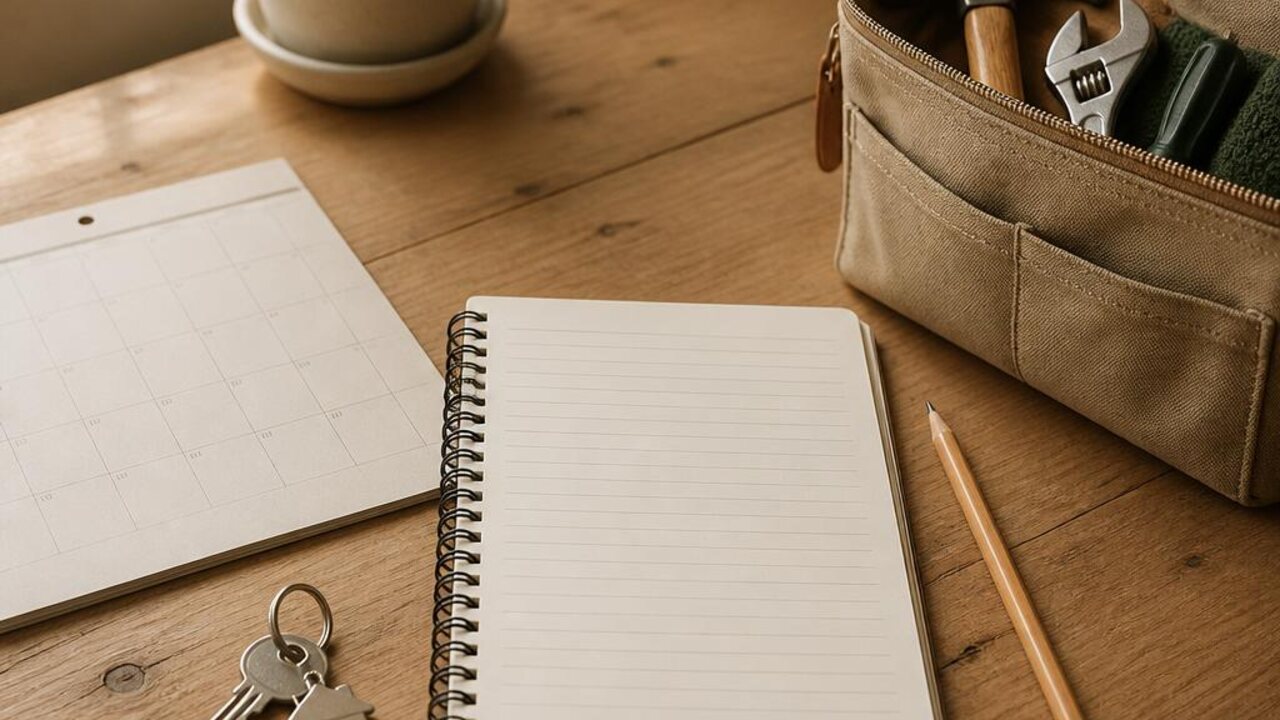
A maintenance calendar tells you what might be due. A service history tells you what actually happened. Keeping those two questions separate prevents a useful visit from disappearing into old email, while making it easier to plan the next check-in.
Record the visit while it is fresh
After a service appointment, write one short entry. Include the date, the area or item, the provider name, and the work described on the invoice or visit summary. Keep your wording factual. If you are not sure what a note means, save the provider's wording instead of interpreting it.
- Add the invoice or receipt location
- Note any follow-up the provider asked you to schedule
- Record whether the task is complete or still waiting
- Keep a separate record for each appliance or area
Review the history before planning
When a task appears on your maintenance calendar, check the history first. You can see what was last completed and whether there is already a follow-up in progress. Do not use the log to make technical decisions. For repair questions, rely on a qualified professional who can assess the specific situation.
The home maintenance log guide explains a lightweight task record, and the home maintenance calendar helps with future reminders. Keep follow-ups visible in the Lucru Home cleaning schedule.
A short, dated record is enough. Its purpose is to make the next conversation easier, not to replace professional service or judgment.