To review product coverage before a listed end date, record the date from the product paperwork and set a reminder early enough to find the relevant information. The reminder is a prompt to review the documents, not a judgment about whether a claim is covered.
Keep the reference with the product record
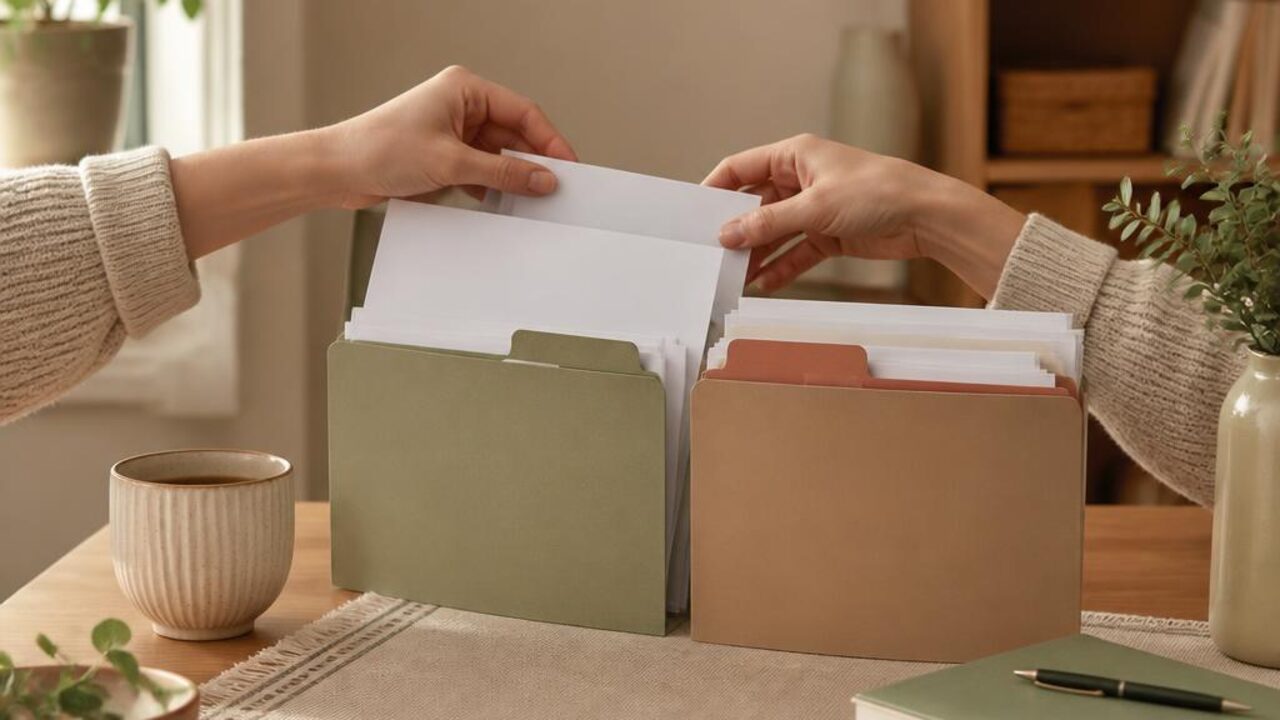
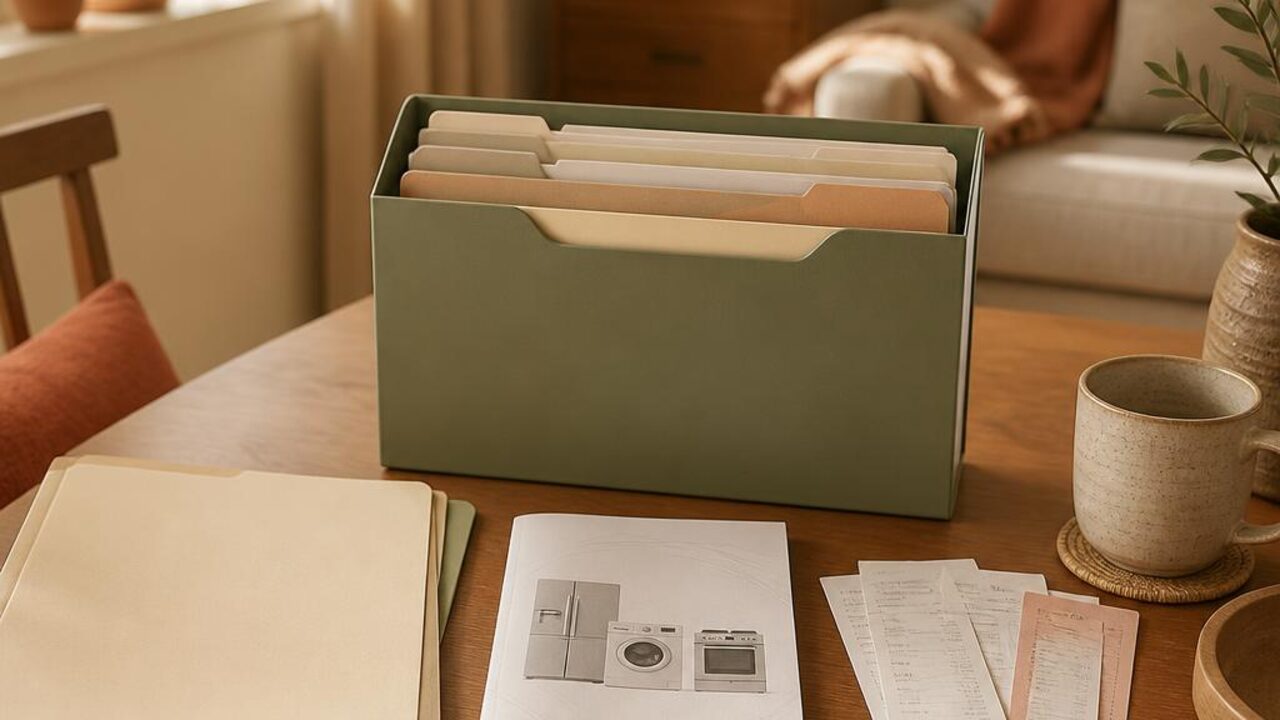
Store the receipt, manual, and any coverage document together, either in a labeled folder or a household file. Note the product name, where the paperwork is saved, and the date exactly as it appears in the source. If the document is unclear or information is missing, leave that as a question rather than filling in a guess.
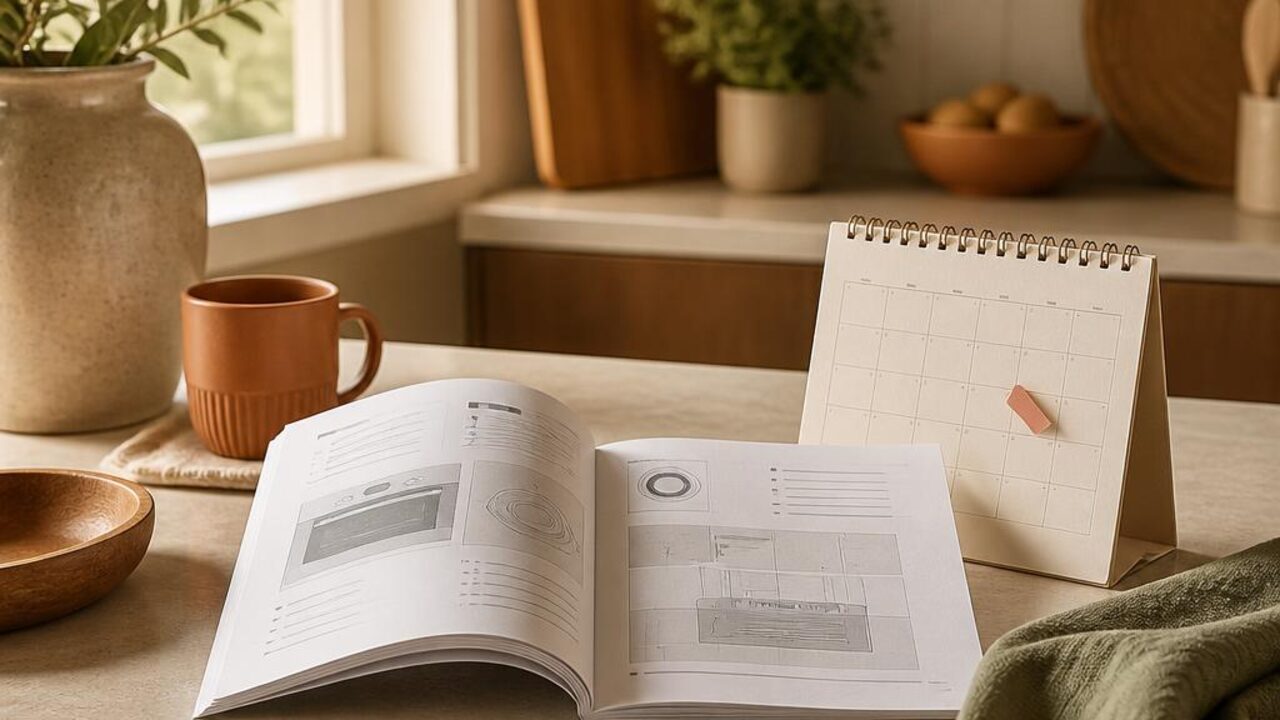
The appliance manuals and receipts organizer offers a way to keep those records findable. The household renewal date calendar is useful for making dated reviews visible.
Set a review prompt with enough lead time
Pick a day well before the listed end date, allowing time to locate documents and contact the provider or manufacturer if you have a question. Add a second reminder only if it helps your household follow through. Keep the prompt neutral, such as “Review dishwasher coverage document,” rather than assuming a deadline or outcome.
- Copy the listed date and source accurately
- Save the product name and record location
- Set a reminder before the date, not on the final day
- Note who will review the information
Close the loop after review
When the reminder appears, read the original documentation and contact the appropriate provider if you need clarification. Record the date of your inquiry and any next step, without treating your notes as an interpretation of terms.
For a simple place to track the reminder and follow-up, use the Lucru Home to-do list. Add the first product and its documented date today, then choose a review reminder that gives you time to ask questions.