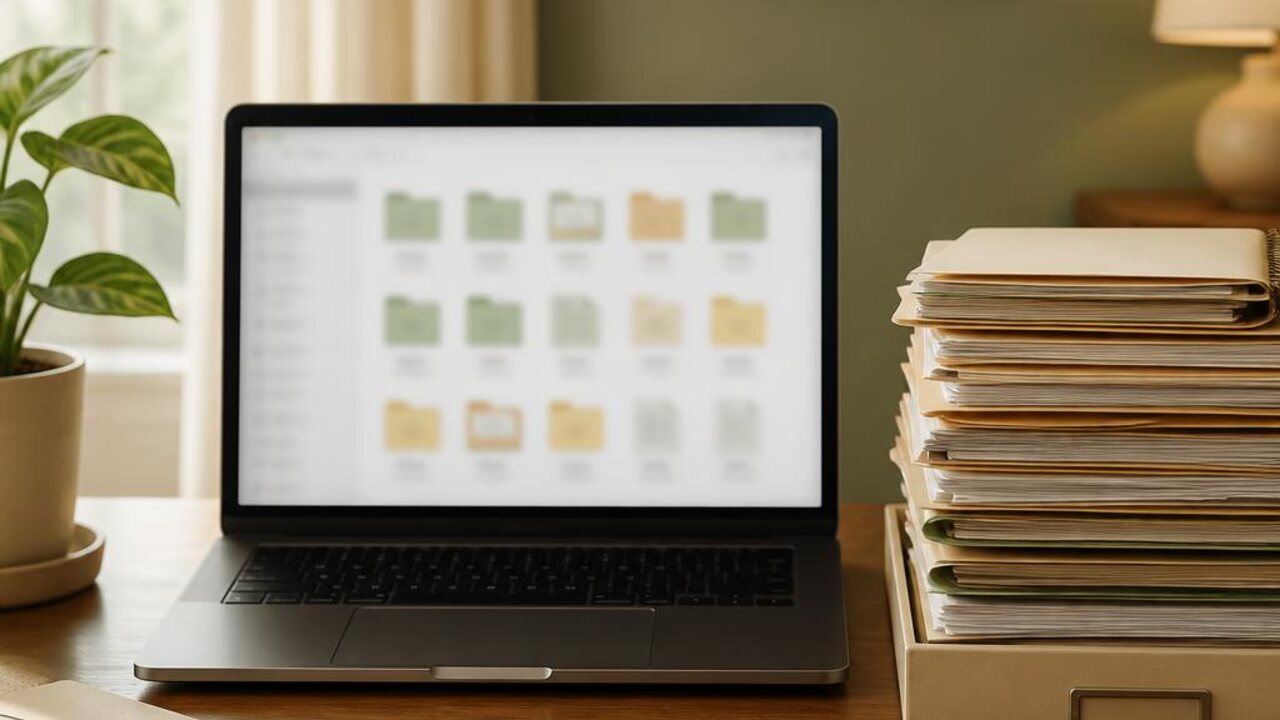
A household digital file system is useful when people can find the records they need without remembering which inbox or device received them. Start with a few shared categories and a naming pattern your household can use. You do not need to move every old download before the system starts helping.
Choose a small set of folders
Create broad folders for the records your household regularly looks up, such as home documents, appliances, warranties, and household bills. Keep private records in a location with access limited to the people who should see them. A shared folder is convenient, but it should not mean every file is visible to everyone.
Before scanning or saving a document, decide whether it needs to be kept and where the original belongs. Follow the issuer's instructions for records that must stay in a particular form. Avoid keeping extra sensitive copies just because cloud storage is available.
Name files so search can find them
Use a predictable pattern such as date, subject, and short detail. For example, a service receipt could begin with the appointment date and appliance name. Use the same spelling each time, and avoid putting unnecessary personal details into file names.
- Save a new record to its final folder when you receive it
- Use dates in one consistent format
- Keep one current version when duplicates serve no purpose
- Review a single folder at a time instead of sorting the whole drive
The household document organizer helps decide which paper records need a home, and the appliance manuals and receipts organizer focuses on product records. Add a short review task to the Lucru Home home management app.
A useful digital archive is modest and searchable. Start with new files, use the same names and locations, and let older folders improve gradually as you need them.